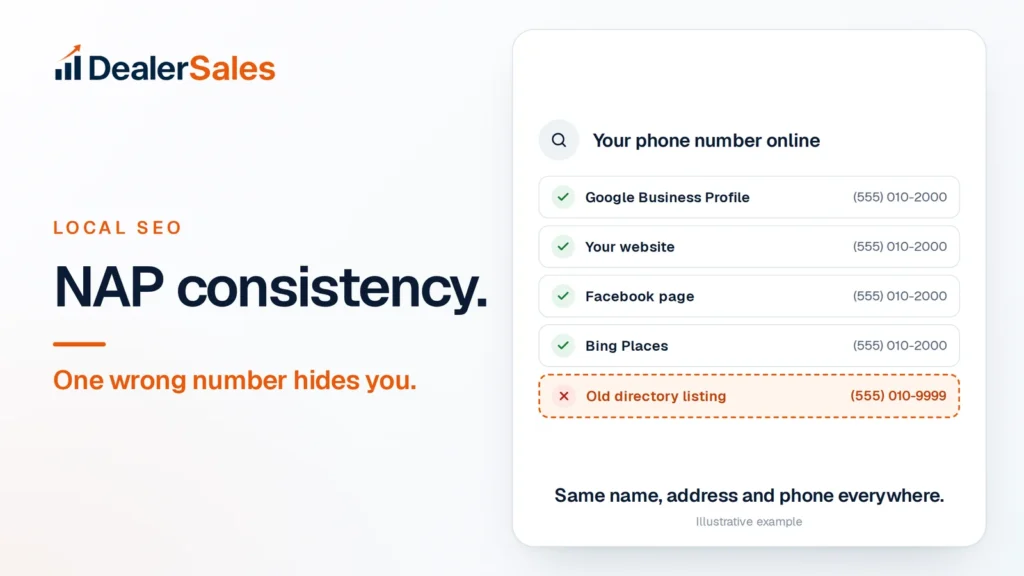
Short answer: When your name, address or phone number differs from one listing to the next, Google and AI tools cannot be sure which details are right, so they trust your store less and name it less often. Write down one exact version of your details, then spend 20 minutes making every profile and directory match it.
What NAP means for a dealership
NAP stands for name, address, phone. It is the three facts that tell Google, Bing, Apple Maps and AI tools which business you are and where to send people.
For a dealer, NAP usually lives in 20 or more places: your website, Google Business Profile, Bing Places, Apple Maps, Facebook, Yelp, Cars.com, CarGurus, AutoTrader and a long tail of old directories you forgot you were ever on.
Consistent means identical. Not “close enough.”
Why one wrong number hides you
Google’s own help page says businesses with complete and accurate info are more likely to show up in local search results. Accuracy is judged partly by whether the details agree.
AI tools work the same way. ChatGPT, Copilot, Gemini and Perplexity build their answer from search indexes, map data, directories and review sites. When those sources agree, the tool can name your store with confidence.
When they disagree, you create doubt:
- Two phone numbers can look like two businesses, or one that moved.
- An old address can put your lot on the wrong side of town in an AI answer.
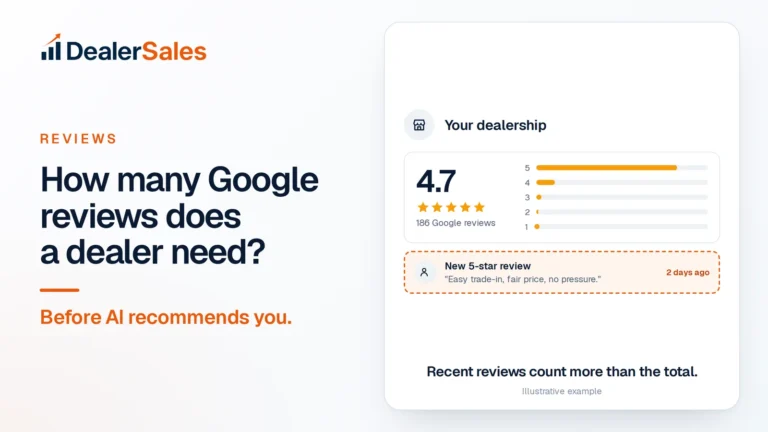
- Two names (“Your Dealership” and “Your Dealership Auto Sales LLC”) split your reviews and mentions across what looks like two stores.
Picture a buyer asking ChatGPT, “Where can I buy a used Toyota RAV4 under $25,000 near [city]?” The tool finds a 2020 RAV4 XLE with 48,000 miles at $24,490 on your site. Then it sees a Yellow Pages listing with a disconnected number. A store with clean, matching details down the road is the safer name to give.
Step 1: Write your master NAP
Before you check anything, write one version and treat it as law. Everything else gets copied from it.
| Field | Example | Rule |
|---|---|---|
| Name | Your Dealership | Your real-world name, as on your sign. No keywords like “Best Used Cars [city]”. |
| Address | 1200 Main Street, Suite B, [city], TX 75001 | Pick “Street” or “St” and use it everywhere. Include the suite if you use one. |
| Phone | (555) 010-2000 | One local number that rings at the store. |
| Website | https://yourdealership.com | Same version everywhere: https, with or without www. |
| Hours | Mon–Sat 9–7, Sun closed | Match your Google hours exactly. |
Google’s guidelines say your name should reflect your real-world name as used consistently on your storefront, website and stationery, and ask for a local number instead of a central call center line whenever possible.
Step 2: The 20-minute check
Open a spreadsheet with four columns: Site, Name, Address, Phone. Search each site for your store and copy what it shows. Mark every cell that differs from your master NAP.
| Where to check | Time | What usually goes wrong |
|---|---|---|
| Your website footer and contact page | 1 min | Old number in the footer, new one on the contact page |
| Google Business Profile | 2 min | Suite missing, extra keywords in the name |
| Bing Places | 2 min | Never claimed, still shows an old number |
| Apple Business (formerly Apple Business Connect) | 2 min | Unclaimed place card with old hours |
| Facebook page | 2 min | Personal cell number from launch day |
| Yelp | 2 min | Old address from before you moved |
| Cars.com | 2 min | Sales line vs. main line mismatch |
| CarGurus | 2 min | Old dealer name after a rebrand |
| AutoTrader | 2 min | Call-tracking number shown as the main number |
| Google search for your phone number | 2 min | Old directories you never set up |
That last row is the one most dealers skip. Search your old phone number in quotes, and your old address if you have moved. Every result that shows up is a listing you need to fix.
Step 3: Fix old listings, in this order
Fix the listings with the most reach first. One clean Google profile is worth more than ten fixed directories.
- Your website. It is the source everyone else checks against. Put the master NAP in the footer of every page, in plain text, not inside an image.
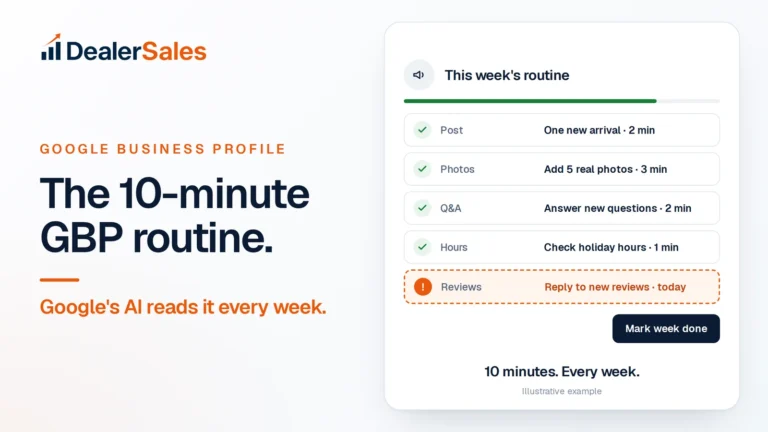
- Google Business Profile. Edit the name, address, phone and hours. Keep it clean going forward with the 10-minute weekly GBP routine.
- Bing Places and Apple Business. Claim them if you have not. Copilot draws on Bing’s data, and Apple Maps is the default map on every iPhone.
- Facebook, Yelp and the car sites. Edit in your dealer or business dashboard. On the car sites, ask your account rep if a field is locked.
- Old directories. Claim the listing and edit it. If you cannot claim it, use the site’s “suggest an edit” or contact form and ask them to update or remove it.
For duplicates, like a second Google profile from a previous owner, do not just ignore it. Report it as a duplicate or ask the platform’s support to merge or remove it.
Keep a screenshot of each fix and a date in your spreadsheet. Some directories take weeks to update, and you want to check back.
Where the mismatches come from
Most bad listings are not typos. They come from events:
- A move. You changed lots three years ago, and half the internet still has the old address.
- A new phone system. The number changed, and the old one now rings a stranger or nothing at all.
- Call tracking. A vendor put a tracking number on a directory. Tracking numbers are fine in ads. On listings, show your main number.
- A rebrand or new owner. “[city] Motors” became “Your Dealership,” but CarGurus never heard about it.
- A second department. A service or finance listing with its own number that looks like a separate store.
If any of these happened to you, search specifically for the old detail. That is where the damage hides.
Australian dealers: add these
The same rules apply, with local sites. After Google, Bing, Apple and Facebook, check:
- Carsales dealer listing
- True Local
- Yellow Pages (yellowpages.com.au)
Use the full Australian format: street, suburb, state, postcode, and your number with the area code, like (07) 5550 1234. Pick one format and stick to it.
Mistakes that undo the fix
- Fixing Google only. Google is one source. AI tools read many.
- Keyword stuffing the name. “Your Dealership | Used Cars | Bad Credit OK” breaks Google’s guidelines and makes you look like a different business.
- Changing your number again next year. Every change starts the cleanup over.
- Never checking again. Directories get scraped and re-published. Search your name and old number every 90 days.
NAP is one of the signals that make up what search people now call AEO and GEO. If those terms are new, start with GEO vs AEO vs AIO vs SEO.
What to do next
Write your master NAP today and run the 20-minute check this week. Then find out whether the fix is showing up where buyers ask. The free Dealer Sales AI Visibility Audit checks how often AI tools name your store for real buyer questions in your market.
Quick answers
What does NAP stand for?
NAP stands for name, address and phone number. For local search it should be identical on your website, Google Business Profile, Bing, Apple Maps, Facebook and every directory or car site that lists you.
Does NAP consistency affect ChatGPT and other AI tools?
AI tools build answers from search indexes, maps and directories. When your details match everywhere, they can name you with confidence; when they conflict, you give them a reason to pick a store with clearer details.
How long does it take for fixed listings to update?
Google, Bing and Facebook edits often show within days. Smaller directories can take weeks, so log each fix and check again after 90 days.
Sources
- Tips to improve your local ranking on Google (Google Business Profile Help)
- Guidelines for representing your business on Google (Google Business Profile Help)
- Apple Business (Apple)
Check my NAP free
We ask ChatGPT, Perplexity, Gemini and Google AI 20 buyer questions about your market and score how often you are named. Free, no sales call.