Short answer: Google’s AI features, including Ask Maps, draw on your Business Profile and its reviews, so a stale profile gives buyers stale answers. Once a week, post one new arrival, add five real photos, check for new questions, confirm your hours and holiday hours, and reply to every new review.
Why 10 minutes a week beats a big cleanup
Most dealers set up their Google Business Profile once, then forget it. Two years later it shows old photos, last year’s holiday hours and 30 unanswered reviews.
Google says businesses with complete and accurate info are more likely to show up in local results. And in March 2026 Google launched Ask Maps in the US, which answers questions about places using Maps data and reviews from its contributors.
A profile that changes every week tells Google, and the AI built on top of it, that you are open, active and selling.
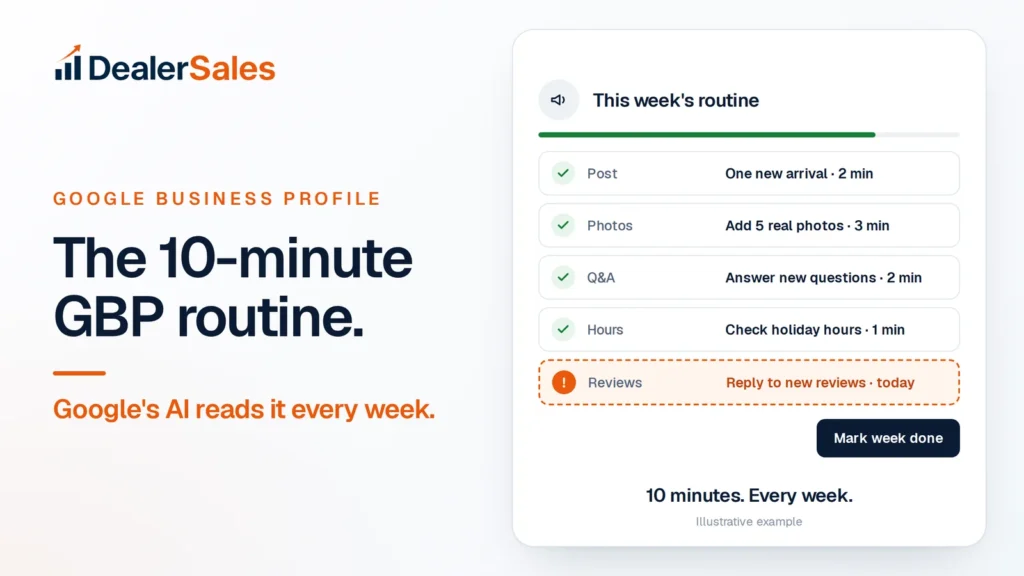
Ten minutes. Same day each week. Same person. Here is the whole routine:
| Step | Time | What you do |
|---|---|---|
| Post | 2 min | One update about a new arrival |
| Photos | 3 min | Add five real photos from this week |
| Q&A | 2 min | Answer any new questions, or update your FAQ |
| Hours | 1 min | Check regular and holiday hours |
| Reviews | 2 min | Reply to every new review |
Pick a slow time, like Tuesday at 9 a.m., and put it in the calendar as a recurring meeting.
Step 1: Post one new arrival (2 minutes)
Google Business Profile has three post types: updates, offers and events. For a weekly routine, use an update. It takes a description, a photo or video, and a button with a link.
Pick the car that just hit the lot and write it like a buyer would read it:
Example post: “Just in: 2019 Ford F-150 XLT, 4×4, 64,000 miles, one owner, clean Carfax. $31,990. Test drives this week. Tap below for photos and the full report.”
- Photo: the truck itself, on your lot. Not a stock image.
- Button: “Learn more,” linked to that vehicle’s page on your site.
- One car, one post. Specific beats “Great deals on trucks.”
Google says posts older than six months are archived unless you set a date range, so a weekly post keeps something fresh on your profile at all times.
Google reviews each post before it goes live. If one shows “Not approved,” check it against Google’s content policies and repost without the problem.
Step 2: Add five real photos (3 minutes)
Buyers want to see the lot they will drive to. So does Google. Its photo guidelines ask for images that are in focus, well lit, without heavy edits or filters, and that represent reality.
Five photos to take on your phone each week:
- The best new arrival, front three-quarter angle.
- A row of the lot, so people see your stock level.
- Your team, at work, with their permission.
- The service bay or detail area, if you have one.
- A delivery, with the customer’s permission, keys in hand.
Tech specs from Google: JPG or PNG, between 10 KB and 5 MB, with 720 by 720 pixels recommended. Any modern phone photo works.
Skip the stock photos and the manufacturer images. They do not show your store.
Step 3: Check Q&A, which has changed (2 minutes)
This step is different from what older guides tell you.
Google discontinued the Business Profile Q&A API on November 3, 2025, and the old public Q&A section on profiles has been giving way to AI answers such as Ask Maps. Many dealers no longer see a Q&A section to manage at all.
What to do with these two minutes:
- If your profile still shows questions, answer any new ones in plain words, and flag spam.
- If it does not, answer the questions buyers ask your staff instead, in places AI reads: your profile description, services and attributes, and an FAQ page on your website.
Good dealer questions to cover: Do you offer financing for bad credit? Do you take trade-ins? Do you buy cars without a purchase? Do cars come with a warranty? Can I book a test drive online?
If the answer lives on your site in plain text, AI tools have something accurate to repeat.
Step 4: Confirm hours and holiday hours (1 minute)
Nothing kills a lead faster than a buyer driving to a locked gate because Google said you were open.
- Check regular hours match your website and your sign.
- Set special hours for the next holiday. Google suggests confirming hours for official holidays even if they are the same as usual.
- US dealers: watch Memorial Day, July 4, Labor Day, Thanksgiving and Christmas.
- Australian dealers: watch Australia Day, Easter, Anzac Day and your state’s public holidays.
If sales and service keep different hours, make sure the profile shows the right one for each.
Step 5: Reply to new reviews (2 minutes, same day)
Google says replying to reviews shows customers you value their feedback. Replies are also public text that tells Google and AI what you are known for.
- Thank and be specific. “Thanks, Maria. Glad the RAV4 is a good fit and the trade-in was easy.”
- Handle bad reviews offline. Apologize, give a direct number like (555) 010-2000, sign with a name and title.
- Never copy and paste the same reply everywhere.
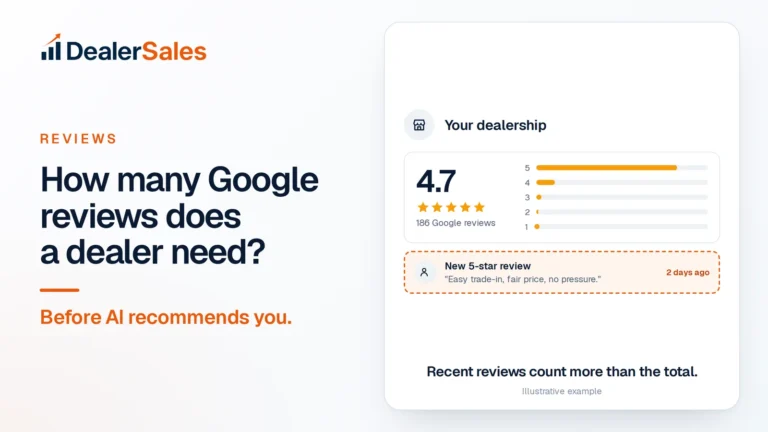
The label on this step says “today” for a reason. Check reviews daily; the weekly routine is your backstop. If you want more reviews coming in, use the 2-text system in how many Google reviews a dealership needs.
Once a month: the 5-minute extras
On the first routine of each month, add these:
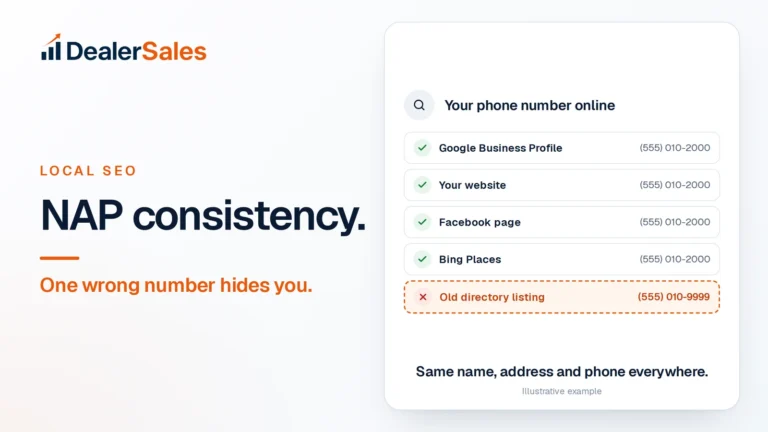
- Check your name, address and phone against your website and other listings. One mismatch causes more trouble than you think; see NAP consistency for car dealers.
- Check for edits from Google or the public. Anyone can suggest changes to your profile, and a wrong one can slip through.
- Review categories, services and attributes. Add anything new, like a detail shop or financing.
- Look at your performance. Note calls, direction requests and website clicks in a spreadsheet so you can spot a drop early.
Common mistakes
- Posting only offers. “Summer sale” posts are easy to skip. Real cars with real prices get clicks.
- Keyword stuffing the business name. It breaks Google’s guidelines and can get your profile suspended.
- Uploading 50 photos once a year. Five a week keeps the profile current.
- One person owns the login. Add a second manager so the routine survives vacations and staff changes.
What to do next
Block 10 minutes on your calendar this week and run the routine once. It gets faster by week three. Use the button below and we will email you the one-page weekly checklist, so anyone on your team can run it.
Quick answers
How often should a car dealer post on Google Business Profile?
Once a week is a solid pace. Posts older than six months are archived, so a weekly post about a real new arrival keeps your profile current.
Is Google Business Profile Q&A still available?
Google discontinued the Q&A API in November 2025, and public Q&A has been giving way to AI answers such as Ask Maps. If your profile still shows questions, answer them; otherwise put the answers on your profile and website.
Does Google Business Profile affect AI answers?
Google’s own AI features draw on Maps data and reviews, and other AI tools read business listings and websites. An accurate, active profile gives them correct details to repeat.
Sources
- Create & manage posts on your Business Profile (Google Business Profile Help)
- Business Profile photo guidelines (Google Business Profile Help)
- Set special hours (Google Business Profile Help)
- Q&A API change log (Google for Developers)
- Ask Maps and Immersive Navigation (Google)
Email me the weekly GBP checklist
We will email it to you. No sales call.